Sharing my tutorial about how to Create Animated Travel Maps using Cinelerra-GG
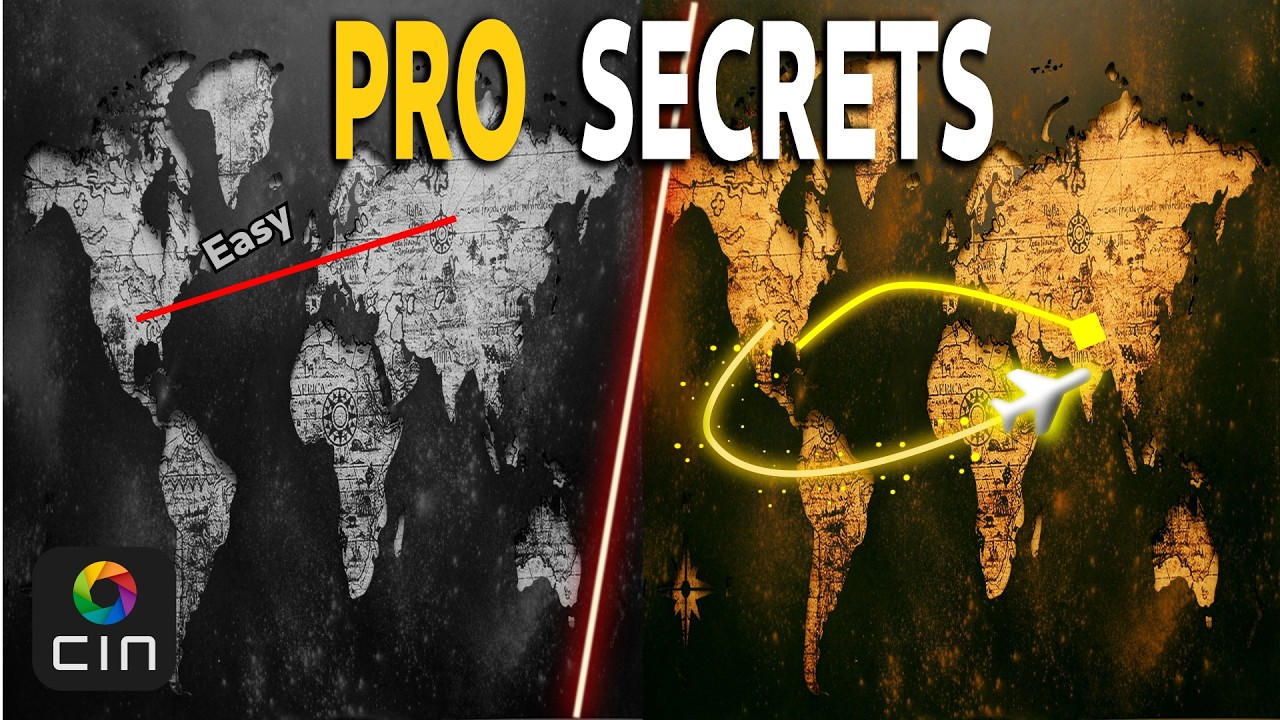
Sharing my tutorial about how to Create Animated Travel Maps using Cinelerra-GG
Another helpful tutorial with extensive use of the Sketcher plugin. I especially appreciate explaining how to better correct the path.
Thank you. Temporarily used new version and found out “tracks with details” can be minimized horizontally which is a super feature. Thanks a lot for this.
Congratulations—that’s a very interesting tutorial.
If you don’t mind, I’d like to upload it to the Cinelerra-GG YouTube channel as well, alongside the other tutorials.
Hi ,
Thank you so much!. And I would be happy to have it featured on cinelerra-GG Youtube channel . Please, Just make sure YouTube’s algorithm doesn’t flag either of our channels for “Repetitious Content” or "Reused Content.Let me know once it’s up—I’d love to check it out!
Since I don’t fully understand YouTube’s terms (do they only apply to monetization? CinGG isn’t looking to monetize its YouTube channel). The best thing to do, though, is to follow the same approach we used with other channels where we’ve linked to the CinGG playlist. They appear on CinGG’s channel as if they were actual videos there, but they link directly to the original channel. If you’re okay with this approach, could you please create a playlist consisting solely of CinGG’s videos? I’ll link to that playlist.
Hi, Thank you. This time upload the video . Let’s see what happens. In future if any issues happen, i will create playlist and link that playlist to cinelerra-gg channel.
Changed video license type , “Creative Commons - Attribution” from my side. i hope , i have done right thing , so believing, everything will be fine for uploading video. Thank you.
Yes, thanks.
I posted the video here: https://www.youtube.com/watch?v=RqS7asi5Kx4
Let me know if you want to add anything to the description or if you’d like me to make any changes.
Thank you, and congratulations again on the video.
Nice. No need of changes. Thank you.