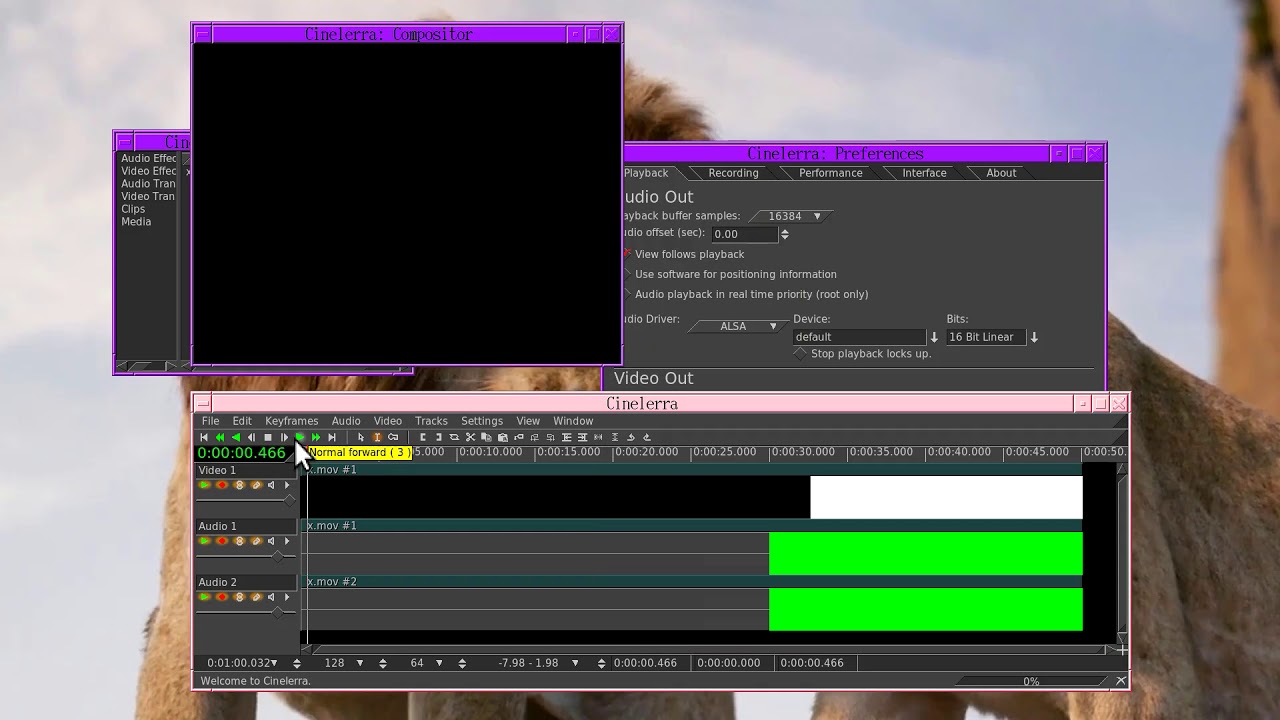
Sorry for the late reply and this is not yet a complete answer until I have more time to test further.
Render Menu setup:
change File type to ffmpeg if not already AND file format to mp4
click on the Video wrench and then in the Compression box use the arrow on the right side to scroll down to faststart_h264.mp4
do the same for the Audio wrench, that is choose faststart_h264.mp4.
These were setup for a user a few years ago for his youtube preferences and at the time they were quite good but I have not rechecked them in a long time so I will look at the URLs you quoted to see how they match.
Were you using File Type of ffmpeg and File Format of youtube in the Render Menu? If so, use the Video wrench and down arrow on the right side of the Compression box to select uhd_h264.youtube AND READ what it says in the box about changing the Audio wrench too.
FYI: the Audio faststart_h264.mp4 as mentioned in the previous note is aac.
and it looks like the ffmpeg/mp4 faststart_h264.mp4 Video and Audio wrench choices should do quite nicely. You can make minor adjustments if you feel that they are needed. Here is the matching url suggestion and what we are using with faststart.
URL suggestion Our faststart_h264.mp4 (you will see settings in bottom)
-profile:v high profile=high (see this in the Video Preset menu box)
-bf 2 bf=8 (shown in box) YOU CAN CHANGE this to 2
-g 30 Cinelerra is fussy about this and I only think that this is the last line of keyint=60 but really just guessing
-crf 18 crf=28 (shown in box) YOU CAN CHANGE this to 18
-pix_fmt yuv420p Yes, that is what is being used (see Pixels box)
You can drive yourself crazy with changing all of the parameters and it takes a lot of understanding of ffmpeg to get them all exactly what you want. However, if you find a particularly good combination (like what the user who gave us the faststart_h264.mp4 one), we can add it so that it is easily available for all.
At the end cinelerra rendering he ignored the FFMPEG color commands.
The final rendered video was in BT601 + JPEG but with BT709 + MPEG settings.
My solution
Workspace in BT601 + JPEG rendering will be normal.
the FFMPEG commands will work.
crf=18
g=30
maxrate=20000000
bufsize=20000000 I do not know how it works.
preset=veryslow
profile=high
cin_pix_fmt=yuv420p
level=41 I do not know how it works.
bf=2
refs=4 I do not know how it works.
color_primaries=bt709
color_range=mpeg
color_trc=bt709
colorspace=bt709
I do not know how it works.
use framerate for 1 keyframe/sec, needed for seeks
The final rendered video was in BT601 + JPEG but with BT709 + MPEG settings.
When I change the Render Menu settings to include the lines in the box of the Video wrench of: color_primaries=bt709+color_range=mpeg+color_trc=bt709+colorspace=bt709
the rendered result retained BT709 and MPEG of the original input.
Am I understanding correctly that you have good final results that you are happy with?
About: Im still experiencing rendering. it is very confusing for me.
Yes, I agree. But the alternative is not enough flexibility.
There are so many options in ffmpeg, which makes it confusing but once you have the results you like, you can just use them. Unfortunately, or actually quite fortunately, so many options provide the different choices for the differences that allow users to choose what they want. The choices that are currently available in CinelerraGG were set up to at least let users get something rendered without having to learn all of the overwhelming possibilities.
About: Could it be considered a Bug?
Restart Cinelerra settings.
FFMPEG mp4
default Audio / Video h264.mp4
Preferences: BT709 + MPEG
YUVA-8bit
All video rendered in BT709 + MPEG
will result. BT601 + MPEG
this is normal?
It is not a bug. It is normal because when you render and do not specify exact parameter values, it uses what it has as the default for the codec, NOT the values of your original video.
** Posted by: @phylsmith2004 **It is not a bug. It is normal because when you render and do not specify exact parameter values, it uses what it has as the default for the codec, NOT the values of your original video.
I understand that.
But putting color parameters.
Settings> preferences> appearance
YUV Color space BT709
YUV Color range MPEG
When rendering the project.
FFMPEG Rendering Ignore the color parameters in all formats.
Unfortunately, I havent made any progress since that thread that was mentioned. In fact, Im even more confused. Ive also tried contacting Adam Williams, but hes been known to never respond.
If anyone uses a workflow for color in CinGG, their input is welcome…
 I do not know how it works.