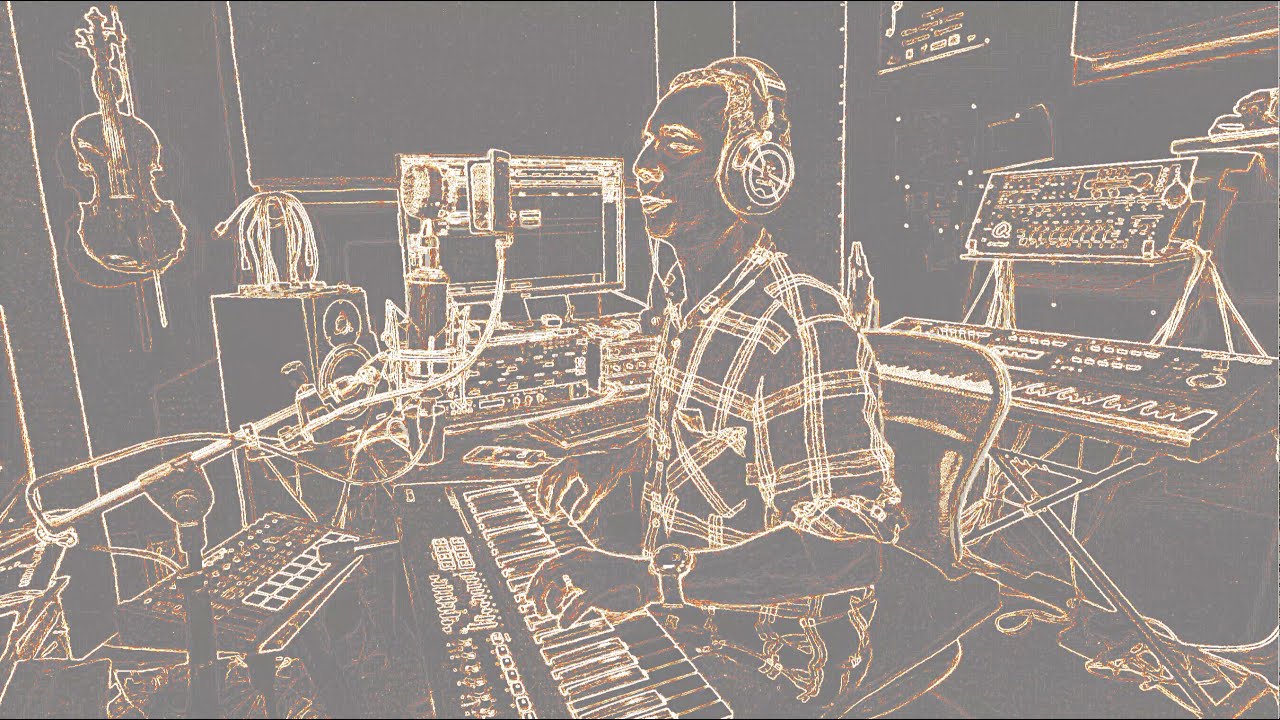
I have a problem with the BurningTV plugin. So I have to modelize, I use 2 video tracks, the first one which is in front consists of a frozen image on which I apply the BurningTV plugin and the second track is the other video (me on the keyboard). When rendering, the second track appears through the second using 3 masks. If I dont apply BurningTV everything works at final render, but if I apply BurningTV the VLC video player fails to play my final render and the image freezes. Note that on the whole video which lasts 4 minutes, the image only freezes when BurningTV is applied, for about 20 seconds and not afterwards. I tested the import of the video in youtube and it ended up working but unfortunately, the second track is completely distorted by the hd treatment of youtube.
I dont understand why it doesnt work, its as if the final rendering was still a montage …
When rendering, the second track appears through the second using 3 masks.
It is not clear to me what are saying.
To narrow the problem, more information are needed: video format, codec, and so on.
Could you post the info of the render file and a screenshot of your timeline, please?
For the files info you can use MediaInfo or ffprobe.
Thanks for sharing @chapolin.
At the bottom of my reply you can see MediaInfo information about your file.
Is Essais_burningTV_30.mp4 file, by Wetransfer, rendering by Cinelerra-GG?
If Yes, some things about, but out of the problem, I think.
The size of the your project (UHD: 2706 x 1512 pixels) is not standard and Matrix coefficients is BT.601 instead of BT.709 (or BT.2020?).
With your informations in topic and Mediainfo informations, I think…
The image (frame) size, you applied BurningTV, is 2706 x 1512; BurningTV works on the edge of the black/white colour and your image has a lot of the edges. More the Bit rate is 551 Mbps, a lot of data.
It is hard decoding such data of information (with BurningTV) by VLC, and the video freezes.
What you could do?
Could you change that image with another with less edges? I guess NO!
Changing the Bit rate: 50Mbps may be enough? To change it in rendering window: Quality=-1 and Bit_rate=50000000.
Changing the Codec with another one that requires less decoding (but takes more Hard Disk space).
Thanks for supplying additional information and thanks to @IgorBeg for analysis and assistance. Not sure if you have applied his suggestions and have gotten a resolution, but if so then ignore my musings and questions below.
Does the render complete in CinGG?
If you load the rendered file in Cinelerra, does it play without getting stuck?
At a terminal window, if you play the rendered mp4 file using ffplay filename.mp4 does that get stuck? Hopefully you have ffplay (in my O/S, ffplay is in /root/bin).
Using ffprobe filename.mp4 I noticed a concerning value of yuvj420p which gives an error message during ffplay of #3 above, stating deprecated pixel format used, make sure you did set range correctly. This is only a warning and not the cause of the problem but is it possible that VLC is not allowing this format to be correctly processed? I know in Cinelerra we had added code in April 2020 to accommodate yuvj420p for video from a drone that was taking advantage of the hardware acceleration code in CinGG. FFmpeg was rejecting it at the hardware level and reverting to software. THIS MAY BE IRRELEVANT.
[root@keystone tmp]# ffprobe /root/Downloads/Essais_burningTV_30.mp4
Input #0, mov,mp4,m4a,3gp,3g2,mj2, from /root/Downloads/Essais_burningTV_30.mp4:
…
Stream #0:0(und): Video: h264 (High) (avc1 / 0x31637661), yuvj420p(pc, smpte170m/unknown/unknown), 2706x1512 [SAR 250:251 DAR 56375:31626], 550600 kb/s, 59.94 fps, 59.94 tbr, 60k tbn, 119.88 tbc (default)
What I read about yuvj420p is that if the Color Range is Full (which in your file, it is) then instead of using yuv420p, it uses yuvj420p automatically.
** Posté par: @igorbeg **2. Changing the Bit rate: 50Mbps may be enough? To change it in rendering window: Quality=-1 and Bit_rate= 50000000
I tried this and the rendering work well but the final quality is not enough, I will try with more value Bit-rate …
** Posté par: @phylsmith2004 **1) Does the render complete in CinGG?
Yes I make all the render with CinGG
** Posté par: @igorbeg **3. Changing the Codec with another one that requires less decoding (but takes more Hard Disk space).
What codec may I use for example ?
** Posté par: @phylsmith2004 **2) If you load the rendered file in Cinelerra, does it play without getting stuck?
Yes I tried this with only the track with BurningTV, with the hope to not to have to use BurningTV after, but the problem persists .
** Posté par: @igorbeg **The image (frame) size, you applied BurningTV, is 2706 x 1512; BurningTV works on the edge of the black/white colour and your image has a lot of the edges. More the Bit rate is 551 Mbps, a lot of data.
It is hard decoding such data of information (with BurningTV) by VLC, and the video freezes.
In fact, the image where I use BurningTV is very strongly magnified by zooming in with the camera in CinGG, to have a very small part of the image which occupies the whole screen and which gives an interesting effect with BurningTV. Finally the problem could come from there?
I dont think that Color_Range=Full (juvj420p) is the problem, because in the rendering file without BurningTV it works. But I can wrong.
What codec may I use for example ?
Only for test, you could try MOV codec. MOV codec is more decoding friendly.
But the Bit_rate have to be high. Lets say around 100Mbps?
Take attemption to the disk space, please.
…the image where I use BurningTV is very strongly magnified by zooming in with the camera in CinGG…
I dont think it depends from that. I think the problem are all the edges in the image. Decoding all the information (also for the output file) require processing. You could crop the image in GIMP but I think it will not help.
Thank you very much for your help and patience. In the end, I couldnt do what I initially wanted to do when I had the problem. But with your help I was able to find a solution by applying an effect, Vibrance, to reduce the edges, then I applied BurningTV and in the end I found the result even better than I wanted to do :)! I rendered with the quality setting set to 28. You can see the final result on YouTube here:
@chapolin
Thank you very much for following up so that we know you found a workable solution although it may not be what you really set out to do.
Loved the youtube video !! You took advantage of a lot of Cinelerra-GG plugins, especially starting at 53 seconds. But I was very disappointed at 2:12 when the Koala Bear got set on fire. At least your eyes lit up in the end at 4:11 – I could not stop laughing.
Sorry, Im coming back a little late but today I want to thank you for your appreciations, your listening and your very precious help! Soon I am thinking of doing a new version with video of this song and I already have a second in progress. I would not fail to come and show them to you
No problem - we will be here for your next video! I had to watch it again for entertainment and it looks like you changed it because the first time I watched it the koala bear went up in flames but now I see it is back in the shape of a heart. But then he gets burnt again.
Thanks for watching it again And no I havent changed anything since the last time, but maybe it is because there are several things to see in this video.