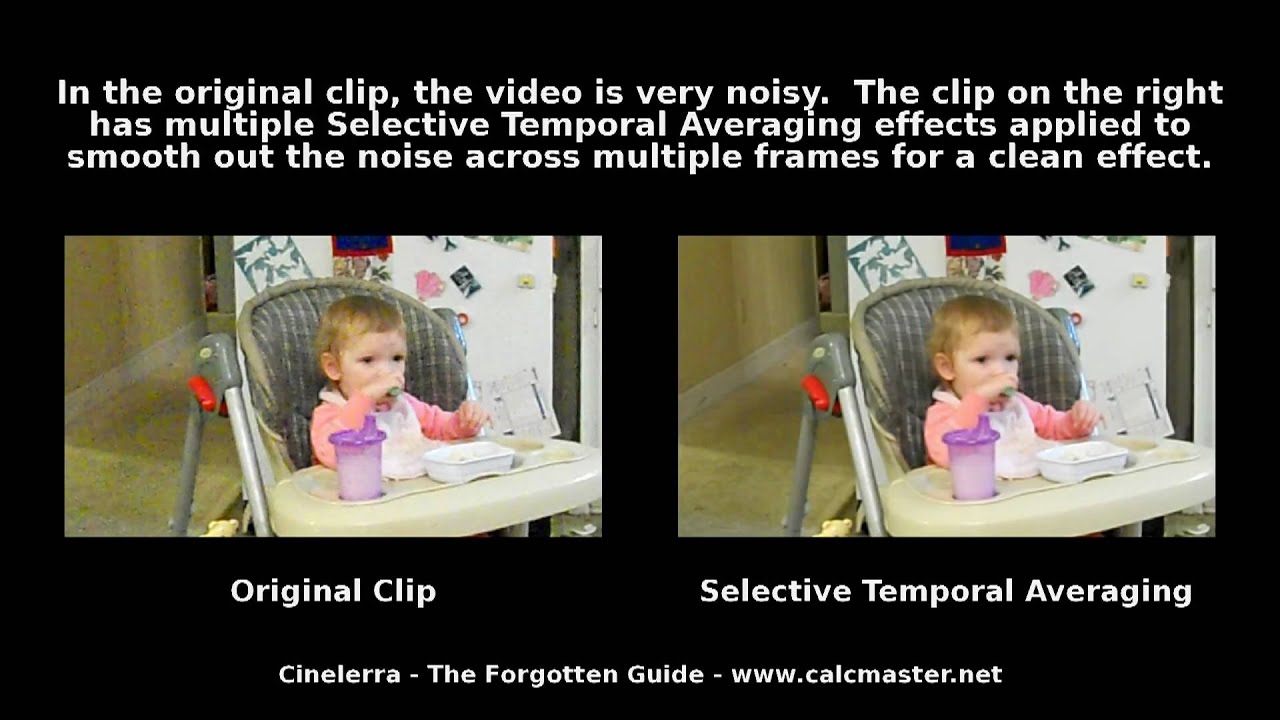
I am using the latest update of Gin-GG and am having problems denoising certain video clips. So far I have not found one of the available denoisers that works satisfactorily, but I have not reported it as a bug as it is probably my ignorance. I have carefully set up Selective Temporal Averaging using the available information (Cinelerra-CV manual) and I can get near perfect results on a static shot, but if there is any movement, the moving object(s) leave(s) a trail. I have tried various numbers of frames to average, but below 4 denoising suffers. The other denoisers seem about the same, although I have yet to try the ffmpeg ones at anything other than default settings. Frankly, I dont understand what the setting are yet, but with a little help I may begin to.
My selected camera output is MP4 and I have tried denoising both on raw MP4 and ProRes transcoded clips. The clips are all 25p.
I know at least one of the ffmpeg ones works as, if I denoise first in Flowblade then import into Gin-GG, I can get a very good result, but that clamps the colour range to restricted, not what I want. The Kdenlive one works very well too if I edit in Kdenlive.
My questions, in no patricular order of priority, are:
-
Should I be doing something else to clean up the trail behind moving objects, if so what?
-
Can you point me to a suitable tutorial, I have yet to find one
-
Can you recommend a denoiser within Cin-GG and suggest settings
-
Is there another way to increase saturation as both Colour 3-Way and Hue/Saturation exascurbate any noise present.
Any help you can offer will be appreciated, thankyou.